


Great photos are only half the battle. The way you deliver them determines how the client perceives the entire experience. A professional online gallery is today's standard – it builds trust, streamlines communication, and opens the door to additional sales. In this guide, I'll walk you through how to prepare a gallery your client will truly love.
Why the way you deliver photos matters
Imagine spending hours on a shoot and editing, only to send the client a Google Drive link to a folder full of files named “DSC_4872.jpg.” The result? The client gets lost in hundreds of photos, has no idea how to pick favorites, and you end up with chaotic messages containing random file numbers.
A professional online gallery changes everything. The client gets an elegant, well-organized space where they can comfortably browse photos, mark their favorites, and even order prints. It’s an experience that sticks – and one that keeps clients coming back for more sessions.

Before you upload – prepare your images
A gallery is only as good as the photos in it. Before you start uploading, take care of three things:
Initial culling – don’t dump 500 photos on a client when you agreed on 50. Remove duplicates, underexposed frames, and failed shots. The client shouldn’t be looking at your raw material.
Consistent editing – make sure all photos share a cohesive color style. Nothing looks worse than a gallery where every third image has a different color temperature.
Export at the right quality – for online galleries, JPEG files at 2048–3000 px wide and 85–90% quality work best. It’s the sweet spot between fast loading and sharp images on retina screens.
If the client also ordered full-resolution files, prepare those separately – for download, not for browsing.
Creating a gallery step by step
Once your images are ready, it’s time to present them. In a system like Photonesto, the whole process takes just a few minutes:
Create a new gallery and give it a clear name, e.g., “Wedding session – Kate and Tom, June 2026.”
Organize photos into folders or categories – if the session had multiple parts, group the photos by theme. For example: “Getting Ready,” “Ceremony,” “Outdoor Shoot,” “Reception.” The client instantly knows where to find specific moments.
Upload your photos – drag and drop files into the gallery. A good system handles thumbnails, optimization, and display order automatically.
An organized gallery shows respect for the client’s time. The easier it is to navigate, the more photos they’ll browse – and that means a higher chance of additional orders.
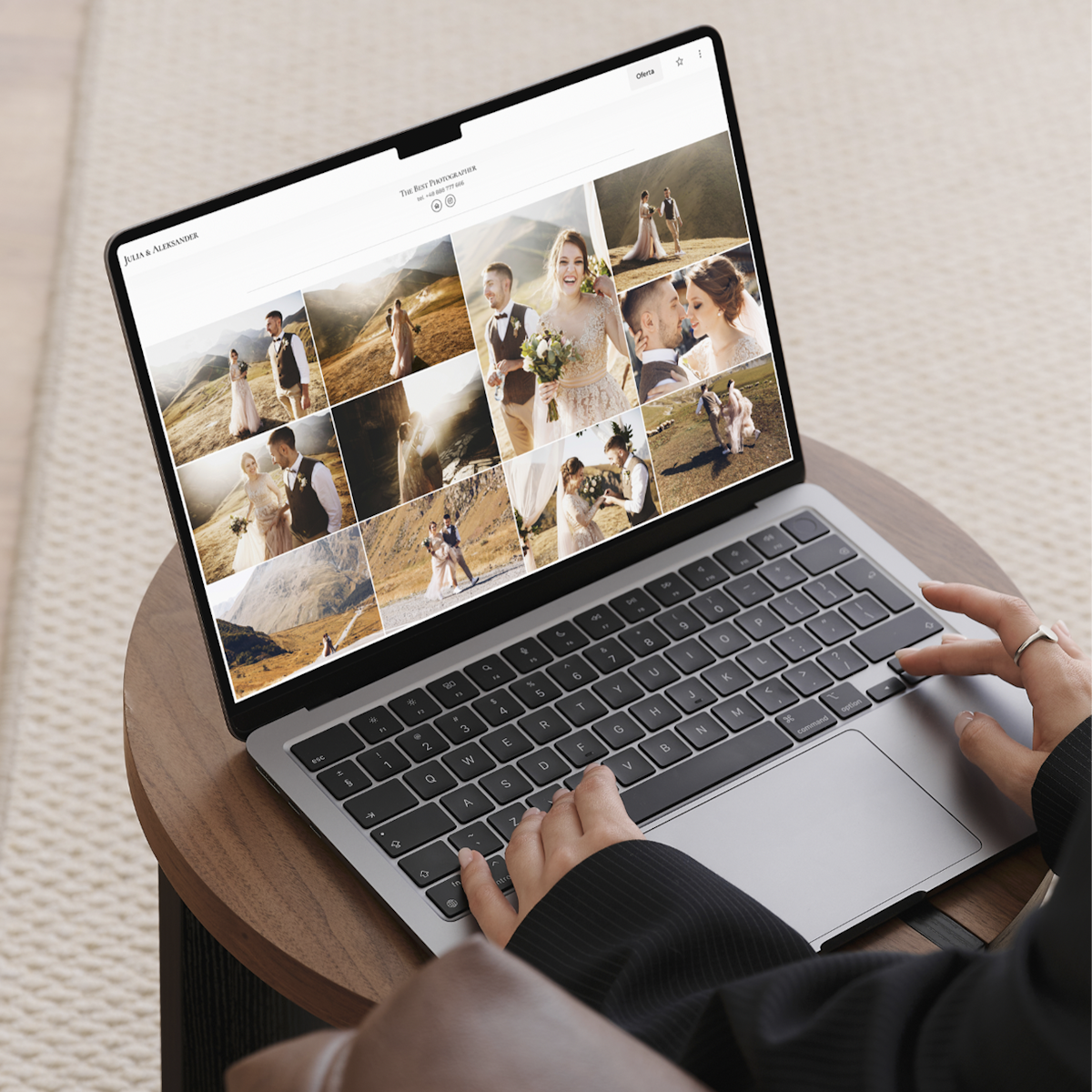
Personalization and professional appearance
Your gallery is your business card. Make sure it looks professional:
Logo and colors – add your logo so the client immediately knows whose work they’re viewing. In Photonesto, you can set up branding that appears on every gallery automatically.
Gallery cover – choose one standout photo from the session as the cover. It’s the first image the client sees when they open the link.
Welcome message – write a short, personal note. Something like: “Kate and Tom, I’m thrilled to share the photos from your special day.” This small touch makes a huge impression.
A polished presentation builds your brand. A client who receives an elegant gallery is far more likely to recommend you to friends than one who got a link to a folder on a cloud drive.
Securing and sharing the gallery
Your client’s photos are a private matter. Before sending the link, make sure everything is secure:
Password protection – set a unique password for each gallery. The client feels their photos are protected, and you stay in control of who can view them.
Sharing link – generate a clean, short link you can send via email or message. Don’t force the client to create an account or install an app.
Expiration date – set how long the gallery will be available. A clear note like “this gallery will be active for 30 days” motivates the client to act sooner.
Send the link with brief instructions – how to log in, how to browse, and how to mark favorite photos. Don’t assume the client is tech-savvy.

Client photo selection
This is where a professional gallery truly pays off. Instead of exchanging dozens of emails with lists of photo numbers, you can give the client convenient selection tools:
Favorites system – the client clicks a heart on photos they like. You get a ready-made list of selected shots with zero misunderstandings.
Clear guidelines – before sharing the gallery, let the client know: “Your package includes 30 retouched photos. Mark your favorites in the gallery, and I’ll take care of the rest.” Clear rules save time for both sides.
Works on any device – most clients browse photos on their phones. Photonesto galleries run smoothly on any screen, so the client can pick favorites even while riding the bus.
A streamlined selection process eliminates chaos and speeds up order fulfillment.

Selling prints and products
An online gallery isn’t just a delivery method – it’s also a sales channel. If you offer prints, canvas wraps, or albums, let the client order them directly from the gallery:
Price list in the gallery – the client browses photos, picks favorites, and instantly sees what a print or canvas costs. No need to ask – just click.
Online orders – the client places an order directly in the gallery, and you receive a ready list with the chosen format and quantity.
If you want to learn more about selling prints through your gallery, check out our guide to selling prints online.
This solution works 24/7 – the client can order prints anytime, and you don’t have to handle every inquiry manually.
Summary – ready gallery checklist
Before you send the link to your client, run through this quick checklist:
Photos culled and consistently edited
Gallery organized into logical categories
Branding set up (logo, colors)
Cover photo and welcome message added
Password set
Print price list configured (if applicable)
Link ready to send with brief instructions
A professional gallery is an investment that pays for itself. The client gets an outstanding experience, you save time on back-and-forth communication, and your brand image gets a boost.
Want to see how it works? Create a free Photonesto account and discover how easily you can prepare a professional gallery for your clients.
